Expert content on rendering and optimization in Unity.
New insights every week.
Featured articles
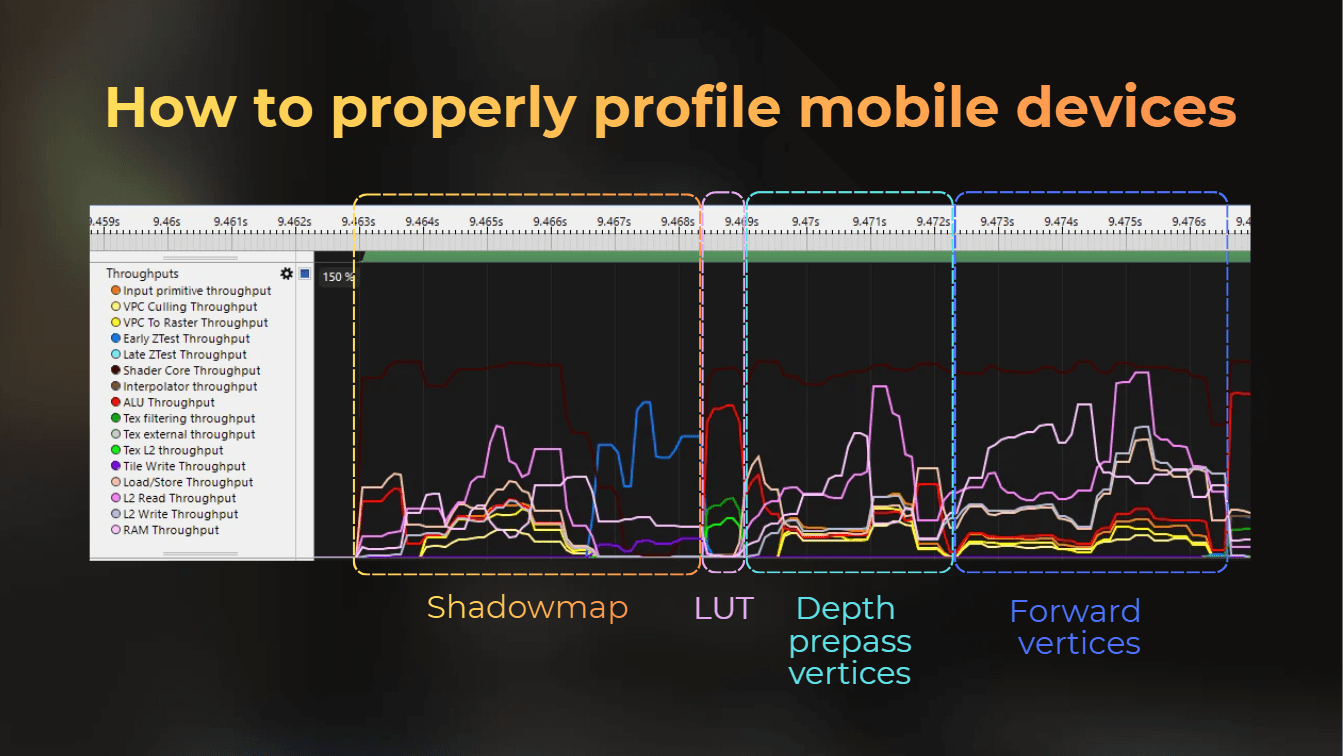
How to properly profile mobile GPU using ARM Streamline
Configuring ARM Streamline profiler to make it the best tool for profiling mobile
Profiling
Intermediate
Optimization
Deep dive
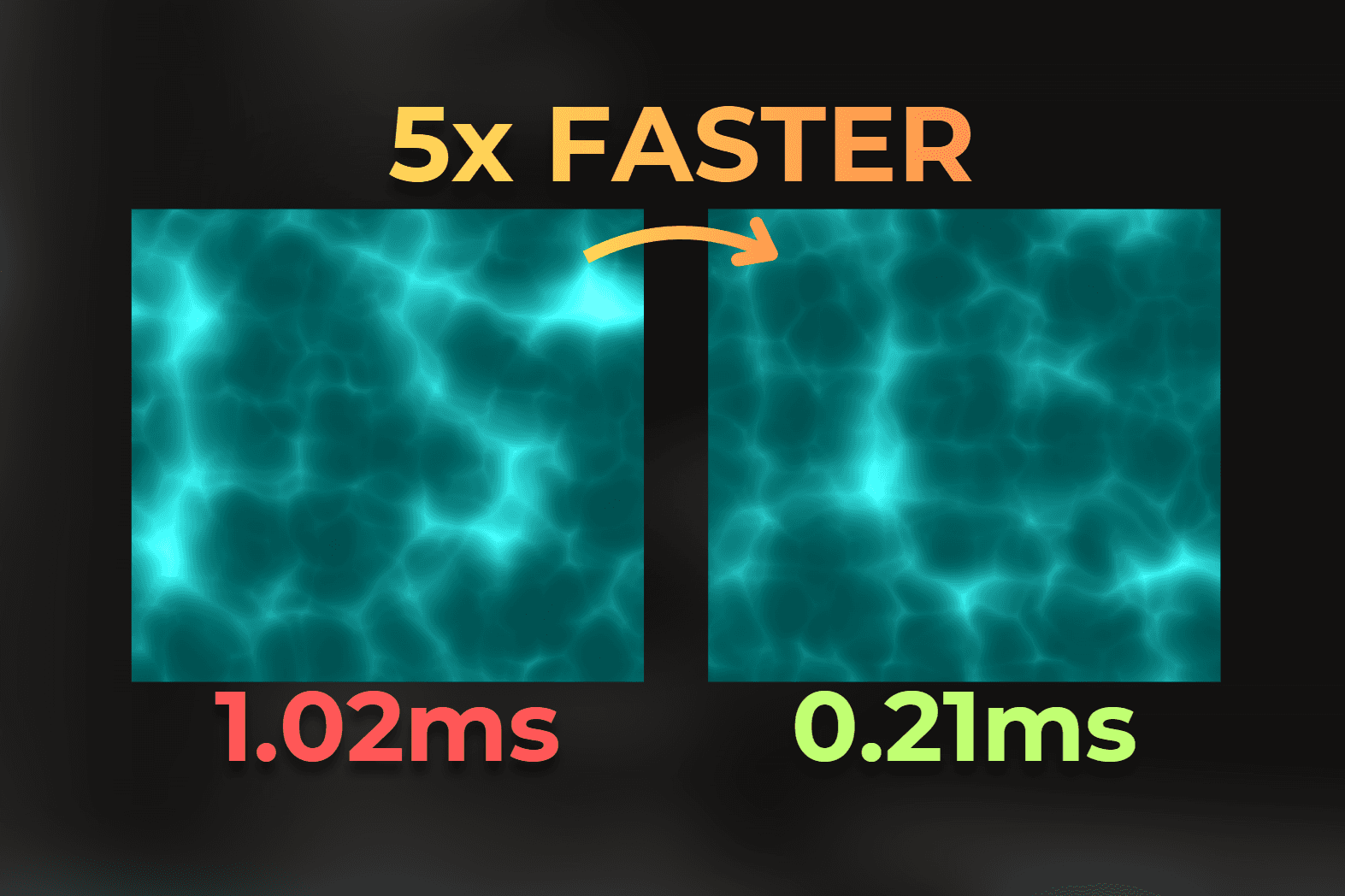
I made this shader run 5x faster
I optimize one of my old fragment shaders to run 5x faster, keeping visuals almost unchanged.
Advanced
Optimization
Case study
Tech-Art
Learn in one minute
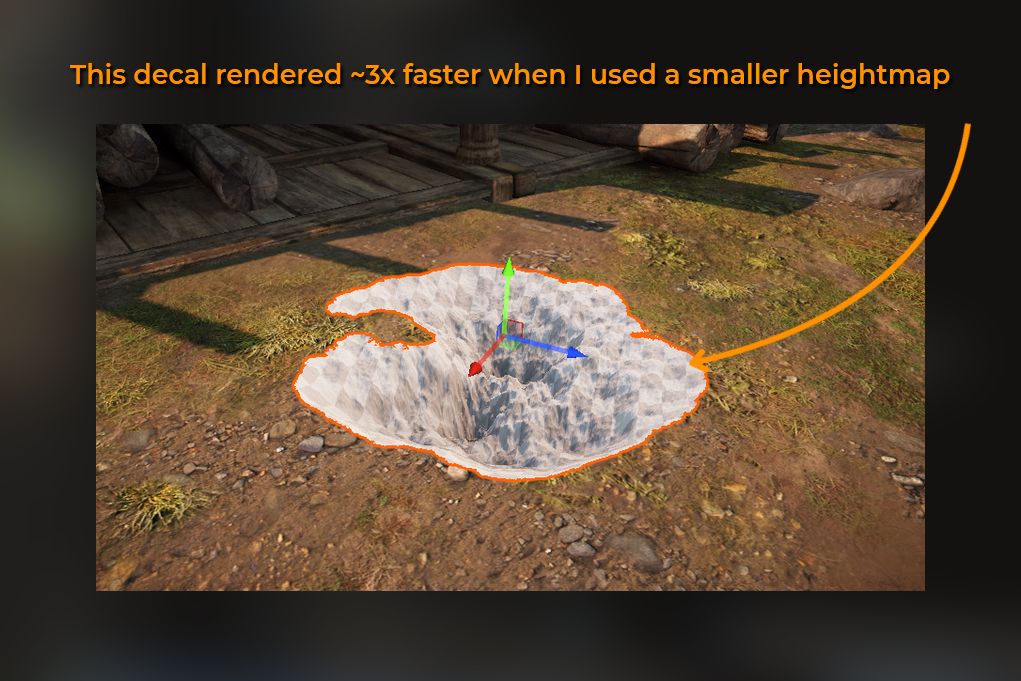
Resolution and format of a texture affect your shader's performance
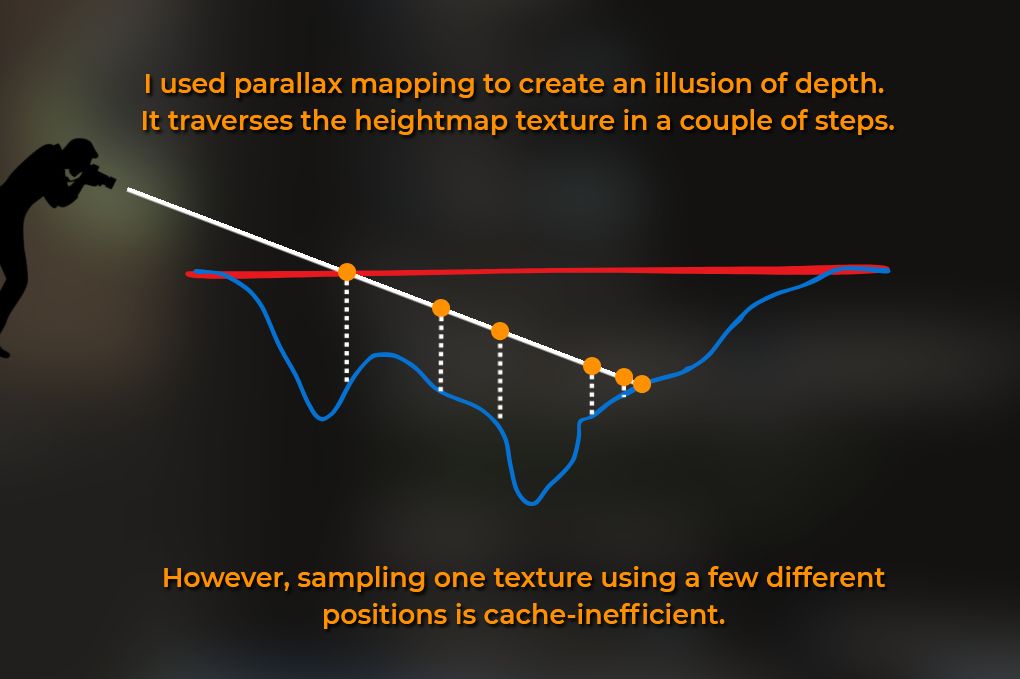
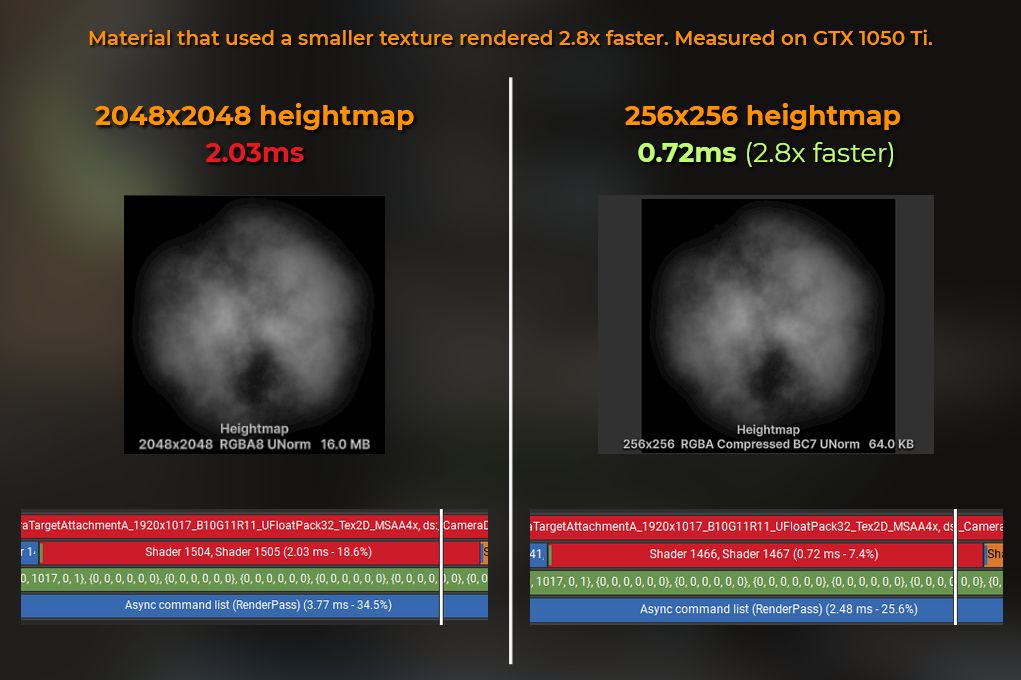
When you ask for one value from RAM, the CPU grabs a block of nearby data (a "cache line") and moves it to a faster memory, expecting you'll need that soon.
GPUs do something similar. When you sample a texture, the GPU doesn't just load the requested texel - it fetches a small block of nearby texels and stores them in fast memory (L1 or L2 cache), so future reads are quicker, as long as they are close to each other.
#01
Higher resolution equals more cache misses and less efficiency.
#02
Sample fewer textures for better speed.
#03
Mipmaps improve cache use by lowering texture detail for smaller objects.
#04
Instruction count doesn't reflect performance, like lines of code don't show function speed.
#05
Random UVs, triplanar mapping, or marching are slower than standard texturing.